Search by meaning
Semantic Search blends text meaning, visual meaning, and literal words. Ask for “receipts from April,” “beach photos,” or “contract drafts” instead of remembering exact filenames.
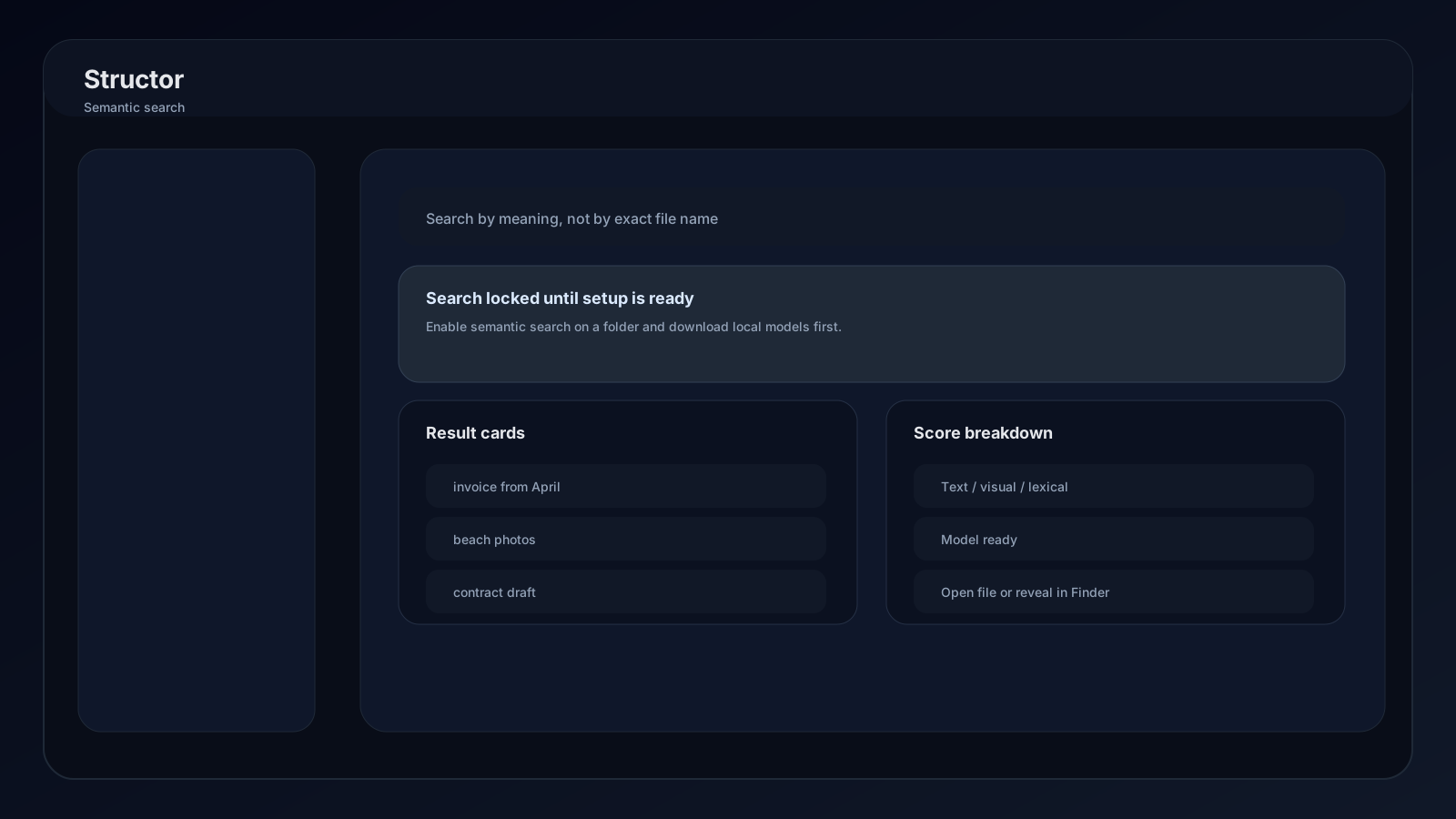
Unlock the Search screen
Both prerequisites must be true:
1 of 2
A folder opted in
Open a folder's Settings → AI helpers and enable Semantic search. Only opted-in folders appear in Search scope.
2 of 2
Local assets ready
Open AI Model → Local search models and wait until MiniLM and SigLIP both report Ready.
How indexing works
When a folder opts in, Structor queues supported files for local analysis. Organization runs update paths in the index as files move.
| Status | Meaning | Action |
|---|---|---|
| Indexed | Searchable now | None |
| Queued | Waiting for processing | Leave Structor running |
| Active | Processing now | Wait for completion |
| Failed | Processing could not finish | Read Last error, then reindex |
Use Reindex from folder settings after large external changes, a replaced search model, or stale results.
Run a search
- 01
Write a natural query
Describe content, subject, scene, or purpose. Meaningful phrases work better than comma-separated keywords. - 02
Choose folder scope
Open Options and select one or more folders. Select all searches every folder with Semantic search enabled. - 03
Narrow file types
Enter comma-separated extensions such as.pdf, .png, .txt. Leave the field empty for all supported files. - 04
Tune relevance
Raise the threshold to hide weak matches. Lower it when a valid result may use different wording or visual context. - 05
Open or reveal
Select a preview to open the result, or use Reveal in file manager. Video-shot results open the source video at the matched timestamp.
Understand results
Each result can include filename, path, extension, size, preview text, image/video thumbnail, timestamp, and several relevance signals:
Text
Semantic similarity between query meaning and extracted text.
Visual
Similarity between query meaning and image or video-frame content.
Lexical
Literal word or token overlap that strengthens exact wording matches.
Overall
Combined relevance used to rank and filter the result list.
Previews
- Images display generated thumbnails.
- Text files and PDFs can show extracted preview text.
- Video matches represent indexed frames and include a timestamp label.
- Unsupported preview formats still appear as normal file results.