Control what Structor touches
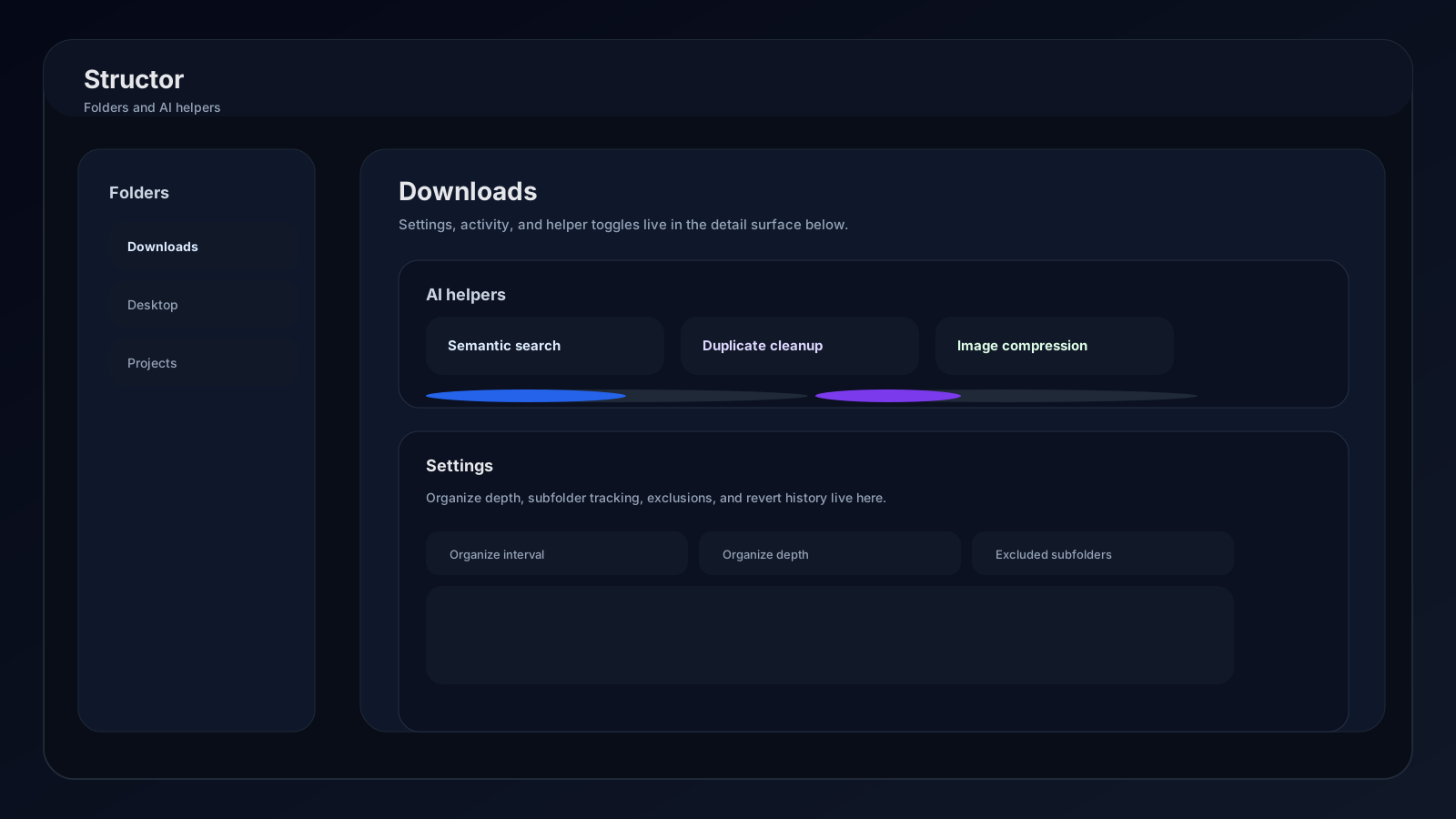
Every folder keeps independent sync, organization, indexing, duplicate, and image settings. Folder rows expose fast actions; the expanded workspace provides Explore, Settings, and Activity views.
Folder list
Connected or paused
Search folders
Organize now
Remove from list
Expanded folder views
| Tab | Use it for |
|---|---|
| Explore | Browse current files and folders, see size/count summaries, reveal paths, and watch live organization progress |
| Settings | Set schedule, tracking scope, exclusions, organization depth, indexing helpers, and image compression |
| Activity | Review recent sync batches, revert one or all visible batches, and inspect created subfolders |
Sync and tracking scope
- 01
Choose an interval
Use Never for manual organization, or select a schedule from every 5 minutes through every 2 months. Scheduled runs occur only while the folder is synced and Structor has active access. - 02
Choose root or nested tracking
Keep Subfolders on to include nested directories. Turn it off when only files directly inside the selected root should participate. - 03
Skip sensitive or noisy folders
Open Skipped folders, choose nested directories, and save. Excluded paths stay untouched by organization and indexing.
Folder organization
The Folder Organization switch controls whether Structor moves files. Turning it off leaves Sync available for other folder features, but organization becomes manual/off for file movement.
| Depth | Classification | Example |
|---|---|---|
| Basic | File type | Downloads/invoice.pdf → AI/Documents/invoice.pdf |
| Detailed | Type and purpose | Downloads/invoice.pdf → AI/Documents/Invoices/invoice.pdf |
| Advanced | Type, purpose, and detail | Downloads/invoice.pdf → AI/Documents/Invoices/2026/invoice.pdf |
During a run, the folder row reports phase, percentage, current detail, and moved count. Explore refreshes after completion.
AI helpers and indexing
Semantic search
Duplicate cleanup
Image compression
Backup retention
Index status
When Semantic search or Duplicate cleanup is enabled, the helper panel reports:
- Indexed: files currently available to search and duplicate analysis.
- Queued: files waiting for processing.
- Active: files being processed now.
- Failed: files that could not be indexed.
- Last error: latest indexing failure, when available.
Use Reindex after large external moves, edits, model replacement, or when index counts look stale.
Activity and reverts
Only sync batches that moved files appear under Recent syncs. Each row shows its time, moved count, and an example destination.
- Revert moves files from one sync back to their recorded previous paths.
- Revert all reverses every sync currently listed.
- Revert latest sync in the folder action menu targets the newest batch.
- Created subfolders lists directories Structor created and can reveal them in the file manager.